
How to Edit MIDI Notes Online and Verify the Export
Use a short practice MIDI to change pitches, adjust note lengths, save a version and verify the exported file.
PureMIDI · 2026-09-10
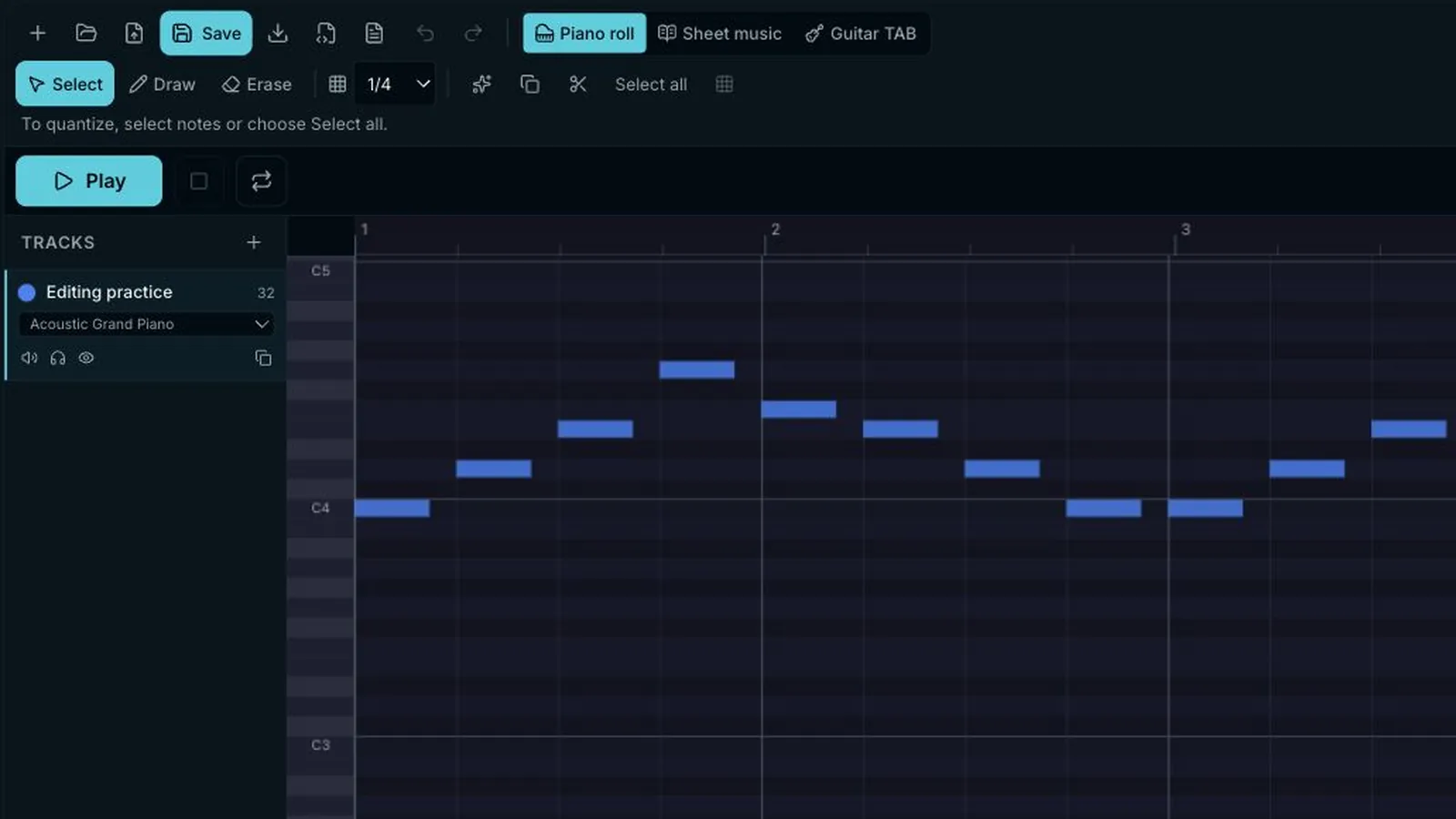
Keep a source file before you edit
Open the linked eight-bar practice MIDI only after saving anything already in your editor. The example replaces the current workspace. Its one track, 32 notes and 120 BPM give you fixed reference points; keep the original .mid beside any edited export.
Change one note, then listen
Choose Select. Drag a note vertically to change pitch, or drag its right edge to change duration. Play the phrase against your intended melody before changing another note. If you moved the wrong note, use Undo rather than trying to guess its earlier position.
Use quantize only for an intended grid
Quantize moves selected note starts to the chosen grid. Try it on a small selection, play back the result, and undo it if a deliberate push or delay disappeared. It does not fix wrong pitches, missing notes or an unsuitable tempo.
Choose Export MIDI or Save version deliberately
Export MIDI writes a .mid file to your device. Save version keeps an editable project in your account and requires sign-in; the browser holds a temporary draft during that handoff. Keep the original file and avoid clearing browser storage or changing devices until the save is confirmed.
Reopen the file you actually downloaded
Open the exported .mid again and compare pitch, note lengths, tempo and track count with your intended edit. A download notification proves only that a file was saved. MusicXML and MXL can also enter the editor, while audio and PDF need their own converters; renaming an extension does not convert a file.
Download a before-and-after pair
The edited file moves every note up two semitones while preserving start times, note lengths and 120 BPM. Download both files and compare the pitches after reopening the export.