A bass line
Capture a monophonic bass phrase and audition it with a different instrument.
Capture MIDI events from one pitched source, then edit the recorded item.
Cockos documents ReaTune's Send MIDI event when pitch changes option in the ReaEffects guide. It emits pitch-change events from a track; this is a monophonic pitch route, not a full-song stem separator. Record the routed output on another track and inspect the MIDI item.
What does this audio contain?
Choose the option that best matches what you hear.
Choose a supported file, then convert it to an editable MIDI draft.
Choose the audio type above first
Free preview: up to 25.0 MB. Full conversion after sign-in: up to 25.0 MB.
Choose what you want to convert
Formats: MP3 / WAV / M4A / FLAC / OGG / WEBM / AAC. Max 25.0 MB.
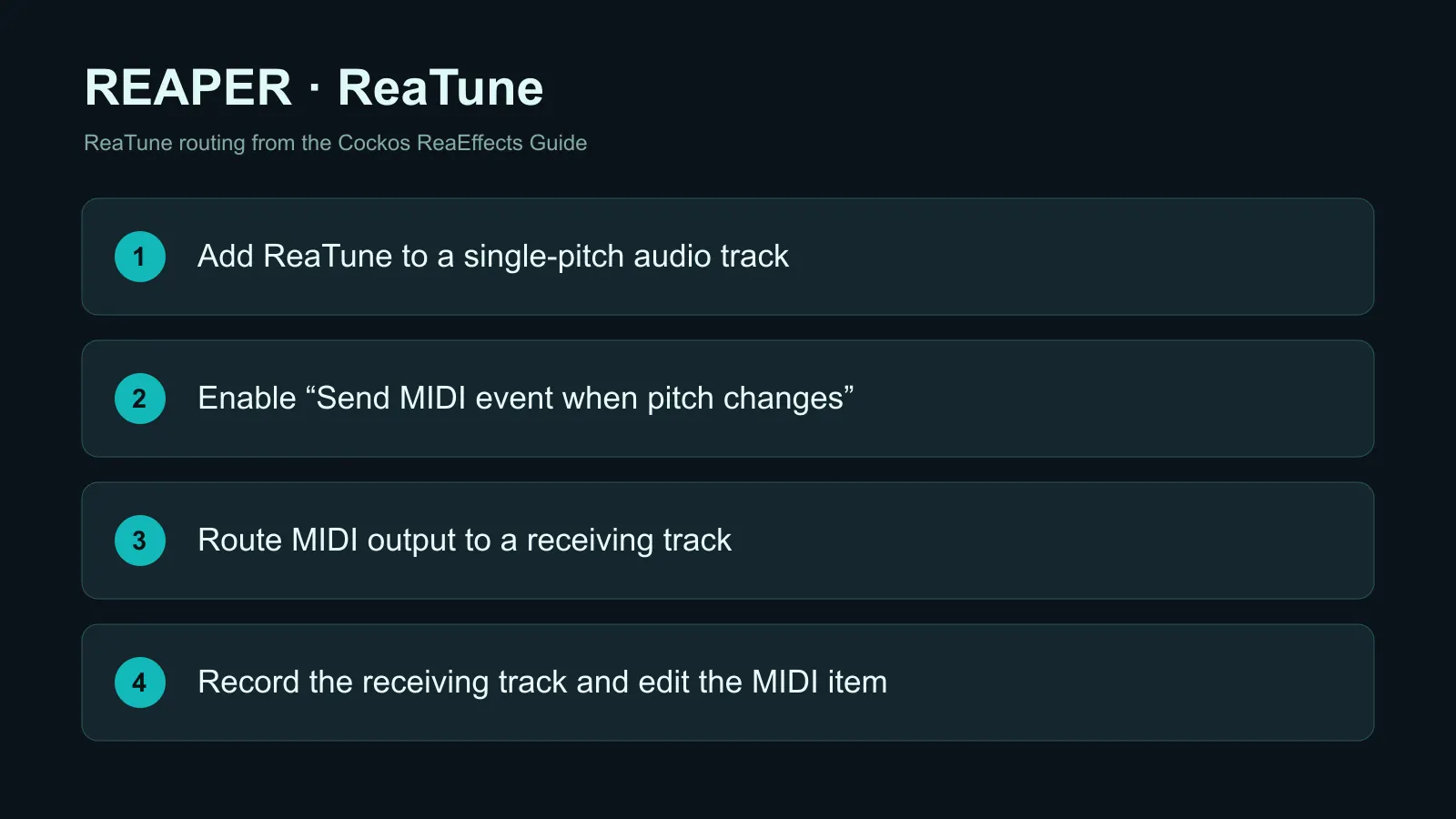
Put a clean vocal, bass or lead audio item on a REAPER track. Avoid chords and mixed drums; ReaTune follows one detected pitch at a time.
Add ReaTune as an FX on the source track. In ReaTune, enable Send MIDI event when pitch changes. The ReaEffects guide identifies this exact control.
Send the source track's MIDI output to a new receiving track, arm that track for MIDI output recording, then play the source. Confirm MIDI notes were captured; the exact routing controls can vary with your REAPER version and track setup.
Open the recorded MIDI item and fix starts, ends and stray pitches. For a difficult source or multi-part material, export authorized audio and compare a separate PureMIDI .mid in the project.
Capture a monophonic bass phrase and audition it with a different instrument.
Record pitch-change events from an exposed melody, then repair vibrato-induced extra notes.
The same option can drive a virtual instrument while audio is processed.
Use a different transcription approach when multiple simultaneous notes or instruments matter.
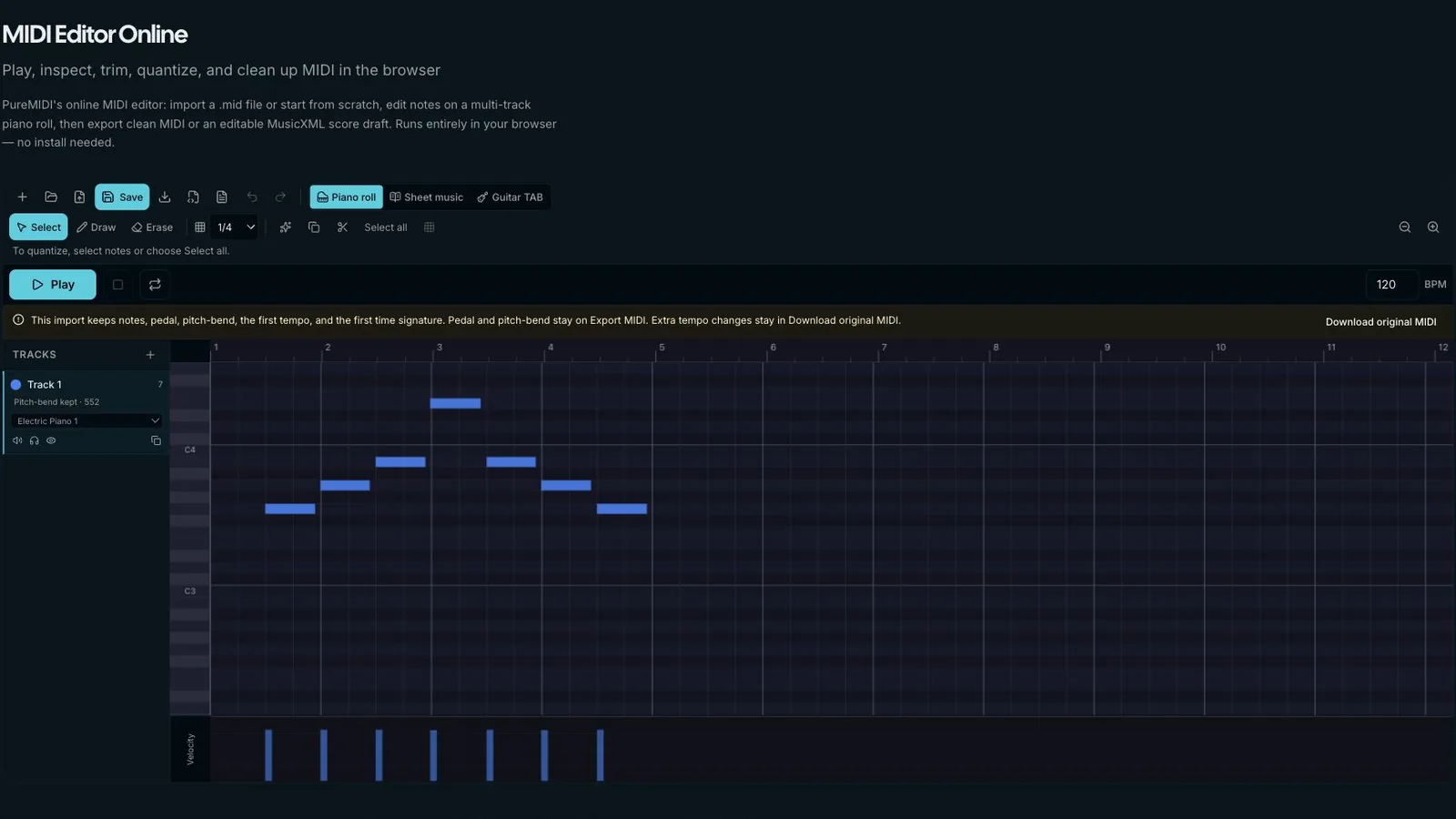
Use a separate receiving track so you can keep the source audio and the captured MIDI side by side. Monitor the receiving track during playback, then stop and inspect the item. If no notes arrive, check that the send carries MIDI and that the destination is recording its output rather than audio input.
ReaTune emits MIDI event messages as its detected pitch changes. You must route or record those events to keep an editable MIDI item.
No. This ReaTune method follows one pitch source; it does not separate vocals, drums and instruments.
Pitch fluctuations can trigger additional events. Clean the source where possible and edit the recorded MIDI boundaries.
Route MIDI to a separate receiving track, record its output and retain the original audio for comparison.