Solo voice
A dry, exposed guide vocal gives Flex Pitch distinct note regions to edit.
Create an instrument track from a clean monophonic audio region.
Apple's Logic Pro for Mac 12.3 guide documents this flow: turn on Flex Pitch in the Audio Track Editor, correct the detected pitch regions, then create a MIDI track from Flex Pitch data. It works best for a single pitched line; dense chords can produce interpretation errors.
What does this audio contain?
Choose the option that best matches what you hear.
Choose a supported file, then convert it to an editable MIDI draft.
Choose the audio type above first
Free preview: up to 25.0 MB. Full conversion after sign-in: up to 25.0 MB.
Choose what you want to convert
Formats: MP3 / WAV / M4A / FLAC / OGG / WEBM / AAC. Max 25.0 MB.
Double-click a vocal or solo-instrument audio region in the Tracks area to open the Audio Track Editor. Start with a monophonic take rather than a full mix.
Click Show/Hide Flex in the Audio Track Editor, then choose Flex Pitch from its Flex Mode menu. Correct missing or mis-pitched regions before creating MIDI.
In the Audio Track Editor menu bar, choose Edit > Create MIDI Track from Flex Pitch Data. Logic adds an instrument track with MIDI regions below the source audio track.
Play MIDI with the original audio, then adjust pitches, note boundaries and velocity in Piano Roll. If you need an independent draft, export authorized audio, inspect a PureMIDI result, and import its .mid for comparison.

A dry, exposed guide vocal gives Flex Pitch distinct note regions to edit.
A bass or lead line can become an instrument double after you correct the note boundaries.
Apple warns that polyphonic material may lead to errors. Isolate a part or use a separate full-song transcription draft.
The created MIDI region can be opened in Piano Roll or Score Editor, and assigned a Library patch.
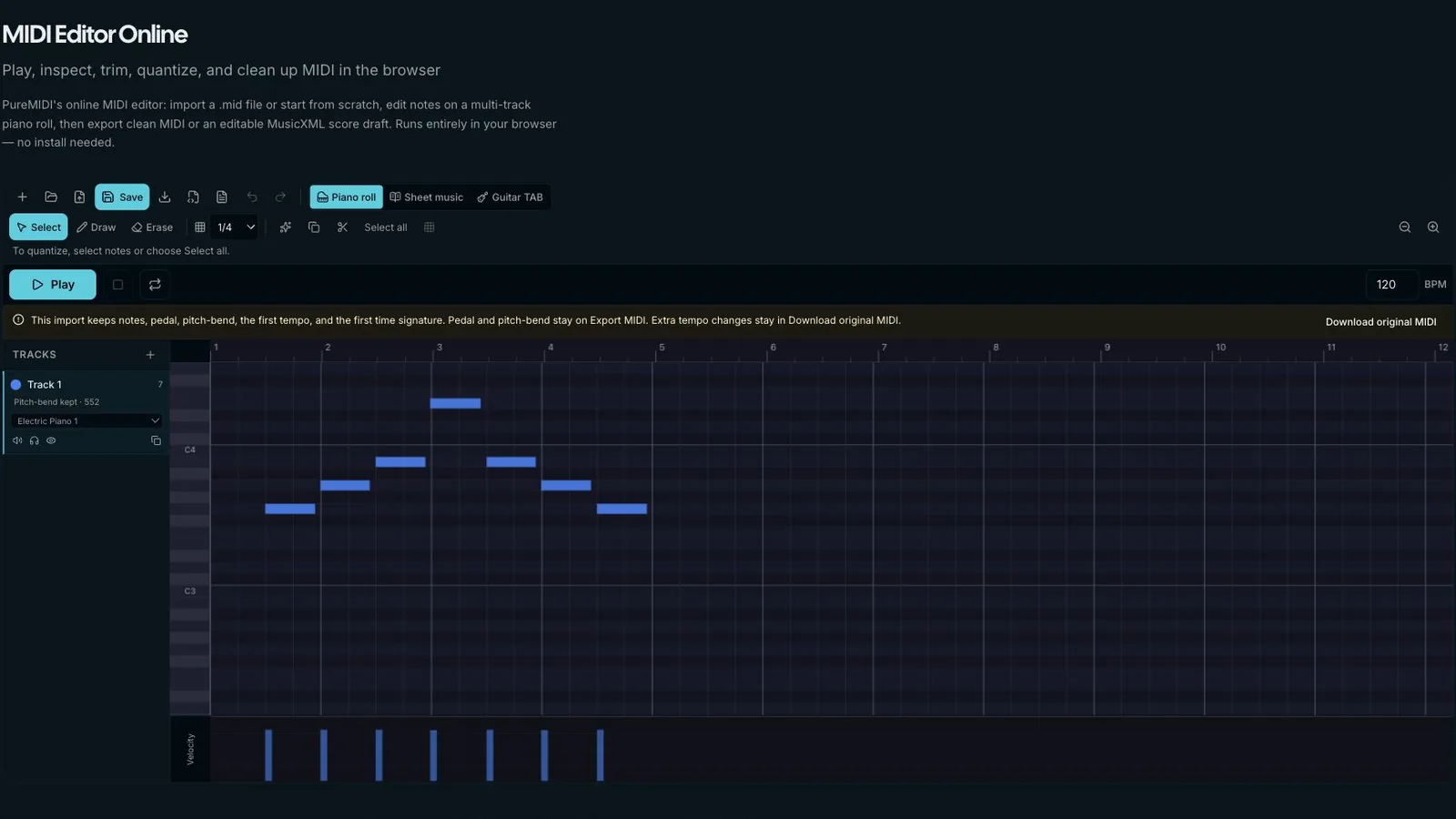
For a difficult take, export the relevant audio region and compare a second transcription against Flex Pitch. Align both at the same project tempo before deciding which notes to keep. Do not merge two drafts without listening to the original.
Choose the conversion path that matches your source. These pages separate general audio, compressed MP3, YouTube/YT workflows, and local MP4/video files so each search intent has one clear owner.
Best default for WAV, M4A, FLAC, recordings, stems, and authorized audio exported from video.
Use the MP3-specific page when your source is compressed MP3 and you need bitrate or retry guidance.
Preview a link, confirm rights, then upload audio you own or are licensed to use for MIDI conversion.
Upload a local MP4, MOV, WebM, or M4V and convert its audio track directly to MIDI.
In the Audio Track Editor with Flex Pitch enabled, use Edit > Create MIDI Track from Flex Pitch Data.
Apple recommends monophonic material and warns that chords or polyphonic sources can be misinterpreted.
Logic adds an instrument track below the audio track with MIDI regions corresponding to the source regions.
Correct the Flex Pitch regions first, then compare the generated MIDI with the source and edit Piano Roll notes as needed.