Live FL Studio workflow

How to Convert Audio to MIDI in FL Studio

Use NewTone for a clean monophonic line, or create a browser-based MIDI draft from a longer or more complex recording.

FL Studio already includes a useful pitch-to-note path in NewTone. PureMIDI is a second path when you want to upload an audio file, compare melody and complete-song transcription, preview the detected result, and then continue editing the .mid in Piano roll. This guide keeps those two workflows separate so you can choose by source material instead of assuming one method fits every mix.

What does this audio contain?

Choose the option that best matches what you hear.

Choose what you want to convert

Choose a supported file, then convert it to an editable MIDI draft.

Free preview: up to 25.0 MB. Full conversion after sign-in: up to 25.0 MB.

Choose what you want to convert

Formats: MP3 / WAV / M4A / FLAC / OGG / AAC. Max 25.0 MB.

Two practical FL Studio workflows

  1. 01

    Choose the right source

    For NewTone, isolate one vocal or lead line with little overlap. For PureMIDI, export the passage you own as WAV, MP3, M4A, or FLAC and decide whether it is a melody or a complete song.

  2. 02

    Create the MIDI notes

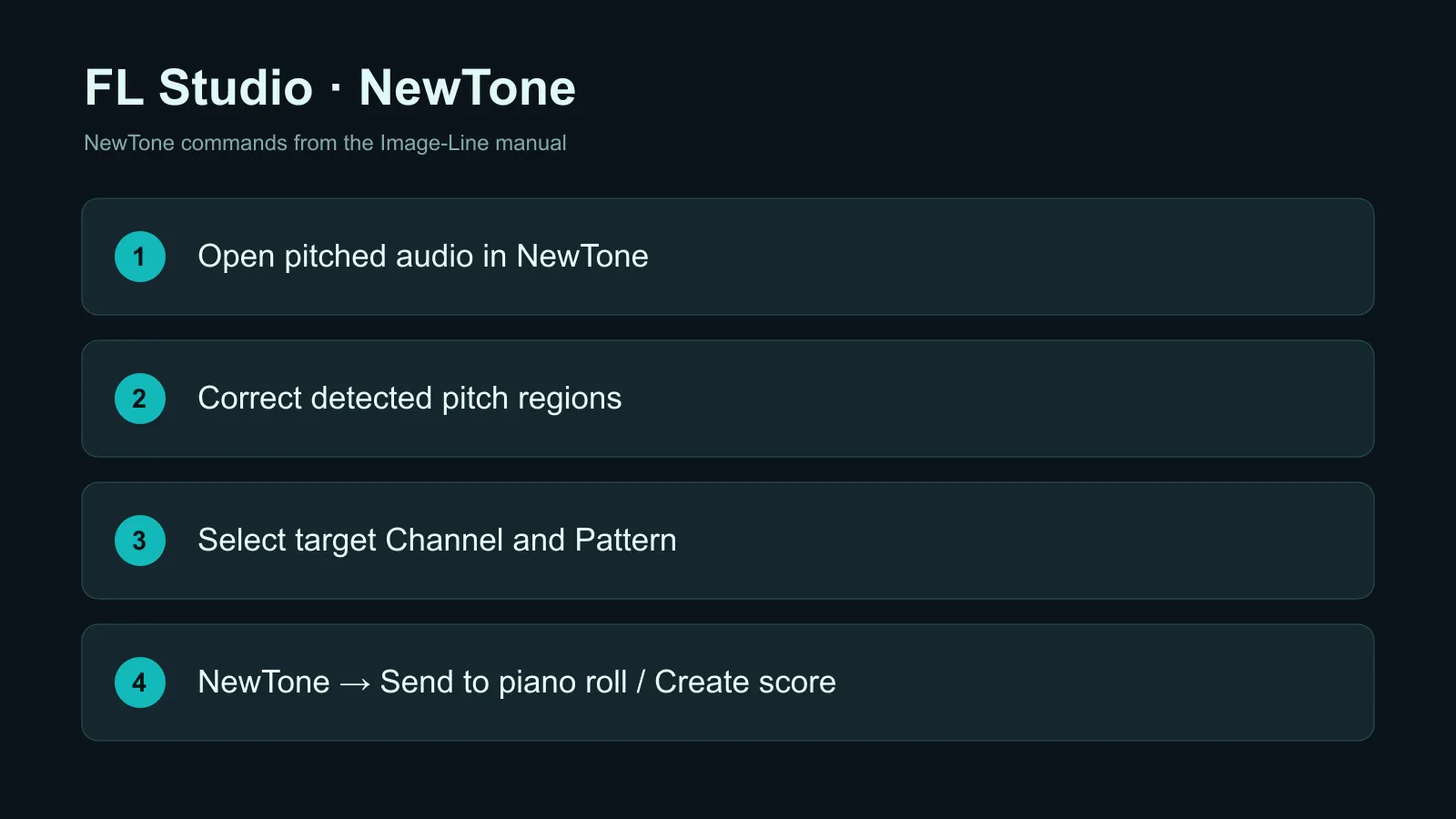
    In NewTone, load the audio, correct detection if needed, then use Save as MIDI or Send to piano roll. In PureMIDI, upload the file and listen to the free 30-second preview before continuing with the current song.

  3. 03

    Review in Piano roll

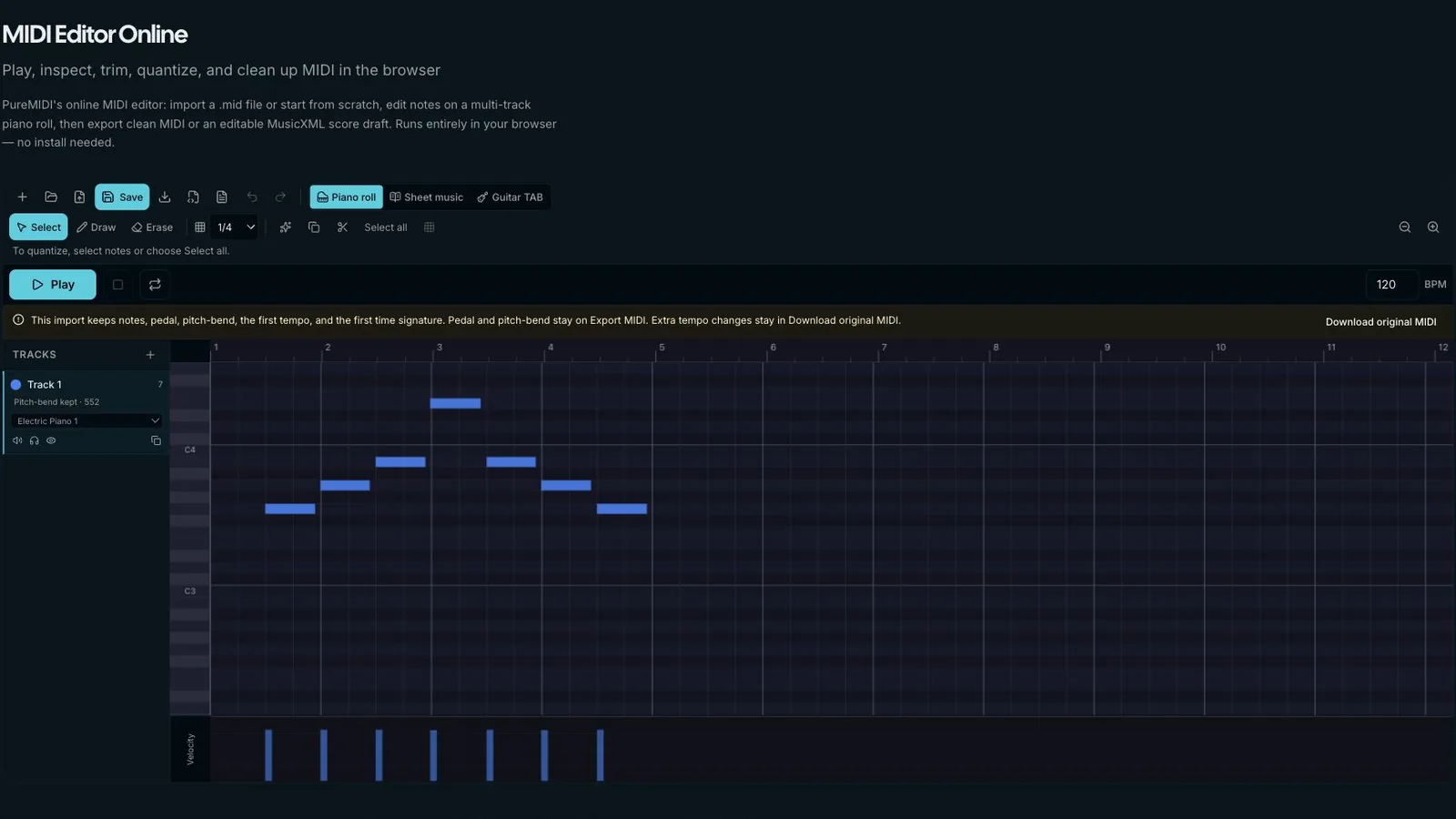
    Open the resulting MIDI in FL Studio, assign an instrument, compare it with the original audio, and correct octave errors, short false notes, timing, and velocity before arranging.

When this workflow is useful

Vocal melody to synth

Capture an exposed sung line, clean the note boundaries, and use the MIDI to drive a synth or vocoder part.

Bass or lead replacement

Transcribe a clear monophonic bass or lead, then swap the sound without replaying every note.

Reference-song study

Turn an authorized excerpt into a rough note map for ear training, transcription, or arrangement analysis.

Polyphonic sketch

Use complete-song mode for piano, chords, or layered material when a monophonic NewTone pass cannot represent the source.

Remix preparation

Export a stem, convert it to MIDI, and refine rhythm or harmony in Piano roll before building the remix.

What affects the result

  • NewTone pitch detection is best suited to one exposed pitched line; it is not a full-mix stem separator.
  • Use melody mode for vocals, bass, whistle, or single-note leads. Use complete-song mode for chords, piano, or overlapping instruments.
  • Dry, centered sources with stable pitch and little reverb produce cleaner note boundaries than mastered mixes.
  • Always compare against the audio. MIDI transcription is an editable draft, not a promise of the original instrument, patch, fingering, or mix.

NewTone or PureMIDI?

Both paths create note data, but they solve different source problems.

SourceStart withReason
One clean vocal, bass, or leadNewToneFast native pitch editing and direct Piano roll transfer
Piano, chords, or overlapping instrumentsPureMIDI complete songDesigned to return a polyphonic or multi-track draft
A file outside the current FL Studio projectPureMIDIUpload, preview, then bring the .mid into the project
Sensitive unreleased sourceNewToneKeeps the workflow inside the local DAW

Official FL Studio controls used in this guide

Image-Line documents NewTone's Save as MIDI and Send detected score to Piano roll controls. Names can move between versions, so check the current NewTone manual if your layout differs.

FL Studio cleanup checklist

  • Set the correct tempo before judging alignment.
  • Delete tiny transition notes before quantizing.
  • Check bass notes for octave doubling.
  • Keep expressive timing where strict quantization changes the phrase.
  • Save the cleaned MIDI separately from the raw transcription.

FL Studio audio-to-MIDI FAQ

Can FL Studio convert audio to MIDI by itself?+

Yes, for suitable monophonic pitched material NewTone can detect notes and save or send the detected score as MIDI. Full mixes and overlapping parts need a different workflow.

Should I use NewTone or PureMIDI?+

Start with NewTone for a clean single voice already in FL Studio. Try PureMIDI when the file is external, polyphonic, multi-instrument, or when you want a second transcription to compare.

Does this create the original FL Studio project?+

No. It creates editable MIDI notes. Instrument presets, mixer routing, effects, automation, and the original project structure are not recovered.

Can it convert chords?+

NewTone is mainly a pitch-editing workflow for exposed lines. For chords or piano, use complete-song transcription and expect to clean voicing and timing in Piano roll.

Can I try the uploaded workflow before paying?+

Yes. You can hear a free 30-second preview. Downloading the complete result requires completing the current conversion.

Which format should I export from FL Studio?+

WAV is a strong default because it avoids extra lossy compression. MP3, M4A, FLAC, OGG, and AAC are also accepted within the upload limit.

Why are there extra short notes?+

Pitch slides, breaths, transients, reverb, and overlapping harmonics can create brief detections. Remove those first, then adjust quantization and note lengths.

Related MIDI tools

How to Convert Audio to MIDI in FL Studio | PureMIDI