
Humming to MIDI: Record a Clean Take, Preview, Fix Notes
Prepare a phone recording, choose the melody route and compare the MIDI preview before deciding to convert the full result.
PureMIDI · 2026-09-10
Record a take with one exposed line
Hum a short phrase in a quiet room at a steady pace. Leave a little silence at the start and end, but avoid long empty passages. Do not layer backing music over the first take. Phone recordings may be M4A; choose the real audio file, since changing a filename extension does not create audio.
Use the melody route for a solo hum
Choose one melody or instrument for a single hummed line. Reserve the full-song route for audio with several simultaneous parts. The preview covers the first 30 seconds, so put a representative phrase near the beginning and compare its pitch direction, note onsets and rests with the recording.
Decide from the audible preview
If breath noise, slides or overlapping voices created extra notes, record another take before committing to a longer conversion. Listen to both original and MIDI; a visual note pattern alone can hide a wrong interval. The preview is a sample of the route, not the full file.
Keep the recording through sign-in and checkout
Retain the original audio on the same device. The page may ask you to select it again after sign-in or a checkout return. A saved preview and purchased credits do not by themselves mean a complete MIDI file has been generated; check the result state before leaving.
Fix and verify the MIDI
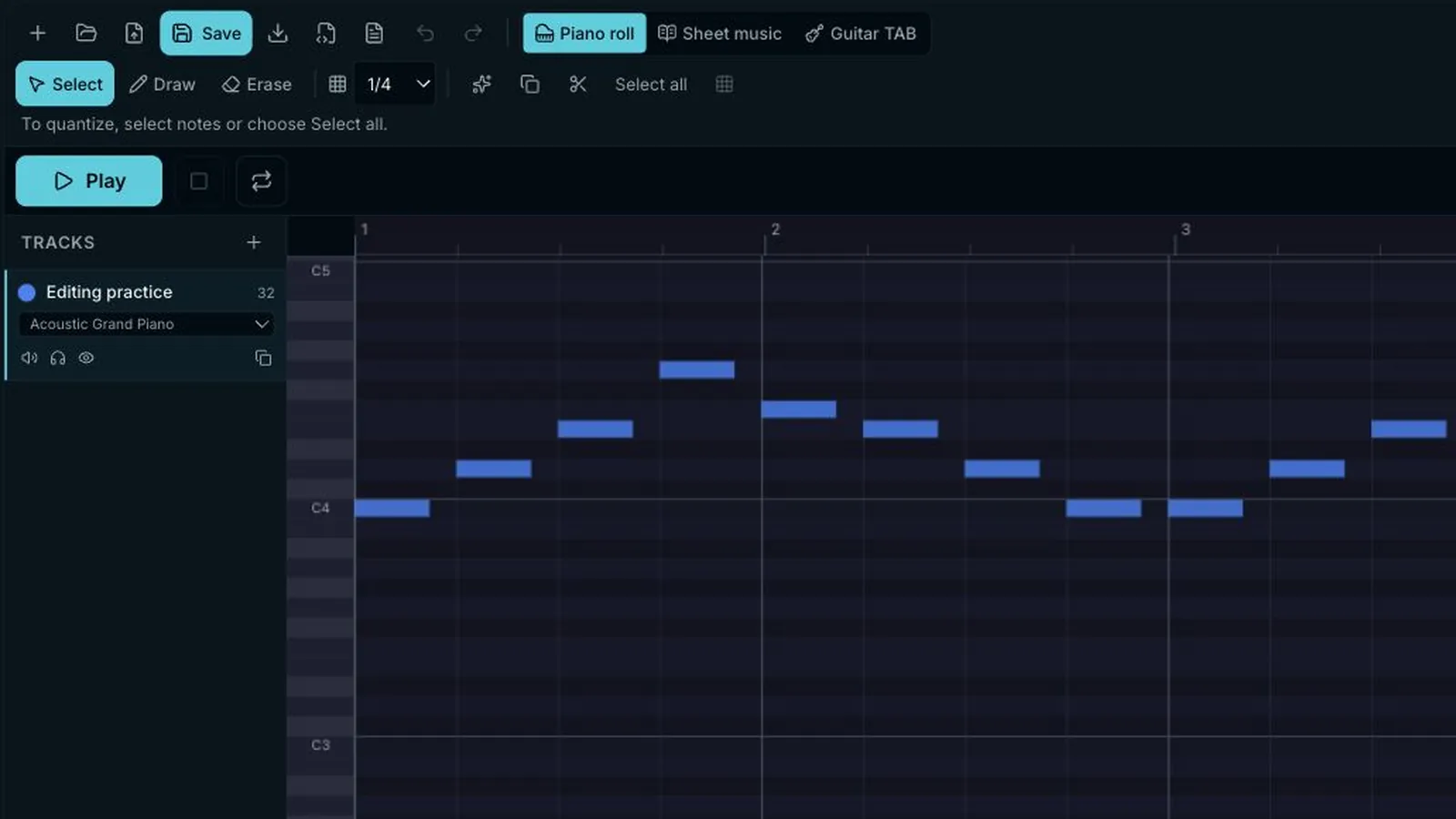
Open the completed draft in the editor. Remove stray breath notes, correct pitches and shorten merged notes where needed. Quantize only passages meant to follow a grid. Export the .mid, reopen it to confirm the changes, then choose an instrument in your DAW.